Your images stay on your device
Edits and compression happen on your device. Only sharing uploads the exported image.
 ImageEditorOnline Image Tools
Choose a target, add your images, and download smaller files. Processing happens in your browser.
Click to choose JPG, PNG or WebP images
Up to 10 at a time · add more anytimeUp to 30 MB eachChoose or drop JPG, PNG or WebP · up to 10 at a time · 60 total
Add at least two images to play them in order.
Choose an image to crop, adjust or watermark.
Drop or paste · JPG, PNG, WebP · up to 30 MB eachFile size targets apply to JPG and WebP. PNG lossless output has no fixed-size guarantee. Very small targets may not be reachable at the original dimensions; the tool tells you when a result is over the limit.
| File or setting | Actual bytes | Pixel dimensions |
|---|---|---|
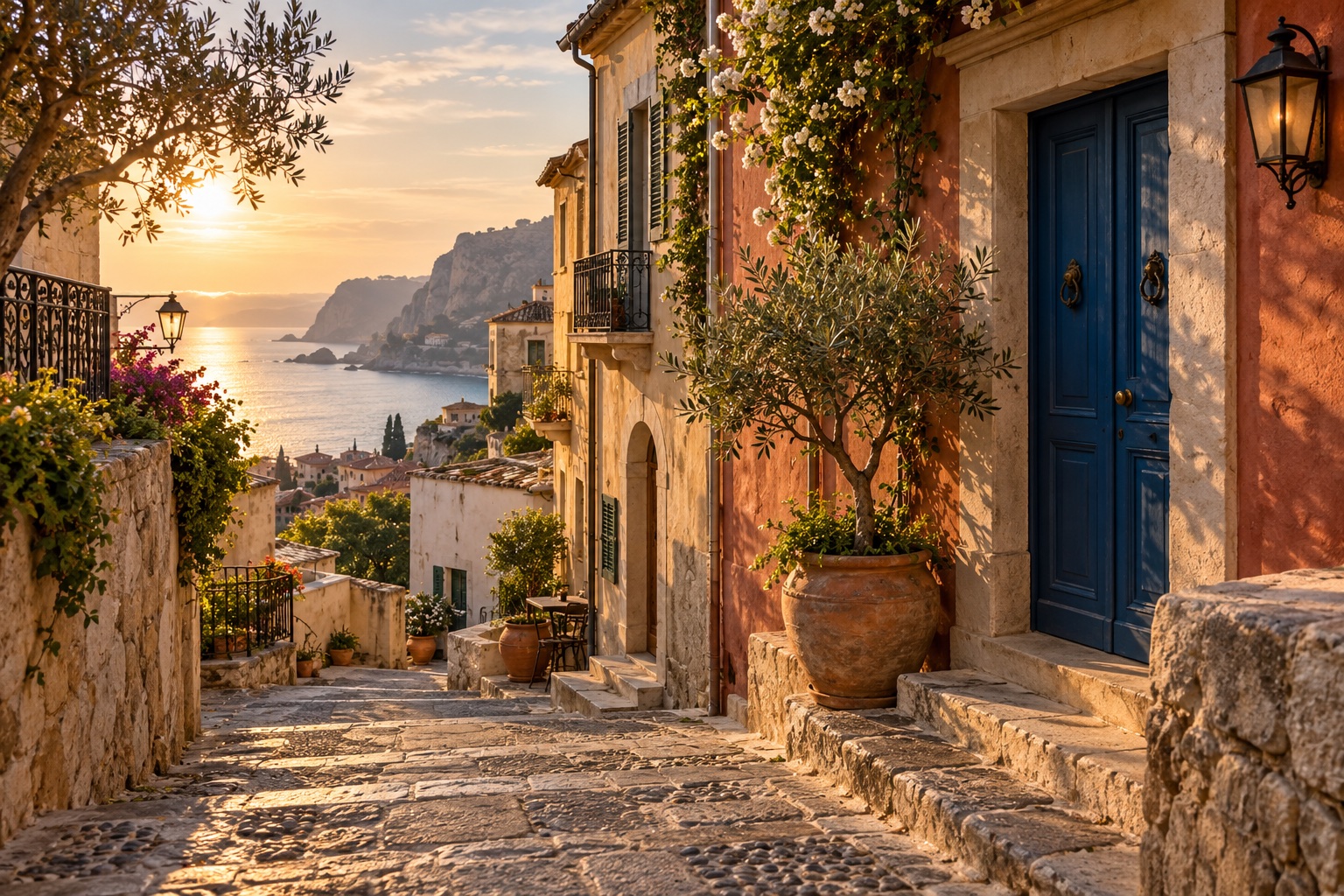
| Original JPG | 812429 | 1536 × 1024 |
| 100KB target · WebP | 102186 | 1536 × 1024 |
| 200KB target · JPG | 201098 | 1536 × 1024 |
One image, not a guarantee: outputs vary with the source, browser and settings. These results kept the pixel dimensions, not identical image quality. The targets use 1024 bytes per KB; check the exact byte limit and accepted format on the upload site.
Start with the form’s accepted format and byte limit. If it accepts only JPG, select JPG before using a size target. Check the actual downloaded file before submitting.
You can set 100KB as an upper target. The result may be smaller, and some images cannot reach it without resizing. Check the actual output size before submitting a file.
No, compression runs on your device. Only creating an optional share link uploads the exported image.
The 100KB, 200KB and 500KB quick targets select WebP. If your upload form accepts only JPG, choose JPG manually and enter the size limit. Check both the accepted format and the actual output size.
ImageEditor currently uses 1 KB = 1024 bytes, so the 100KB target is 102400 bytes. Some upload sites use 100000 bytes instead. For a strict decimal limit, choose a lower target and check the downloaded file size in bytes.
JPG and WebP target-size compression uses lossy encoding and keeps the original pixel dimensions. The visual quality depends on the image and target. If a target cannot be reached, reduce the dimensions with the Resize tool and try again.
Compress, convert, edit, style screenshots or export multiple platform sizes. Images stay on your device unless you create a share link.
Edits and compression happen on your device. Only sharing uploads the exported image.
Keep adding images and process them with the current tool.
Style screenshots, export size packs, make GIFs and combine images in one workspace.
Start editing ↗